
Step-by-step guide on how to present your class in Device-Free Mode.
How to turn on Device-Free Mode:
-
In your class' page, click the lesson you're preparing to deliver.
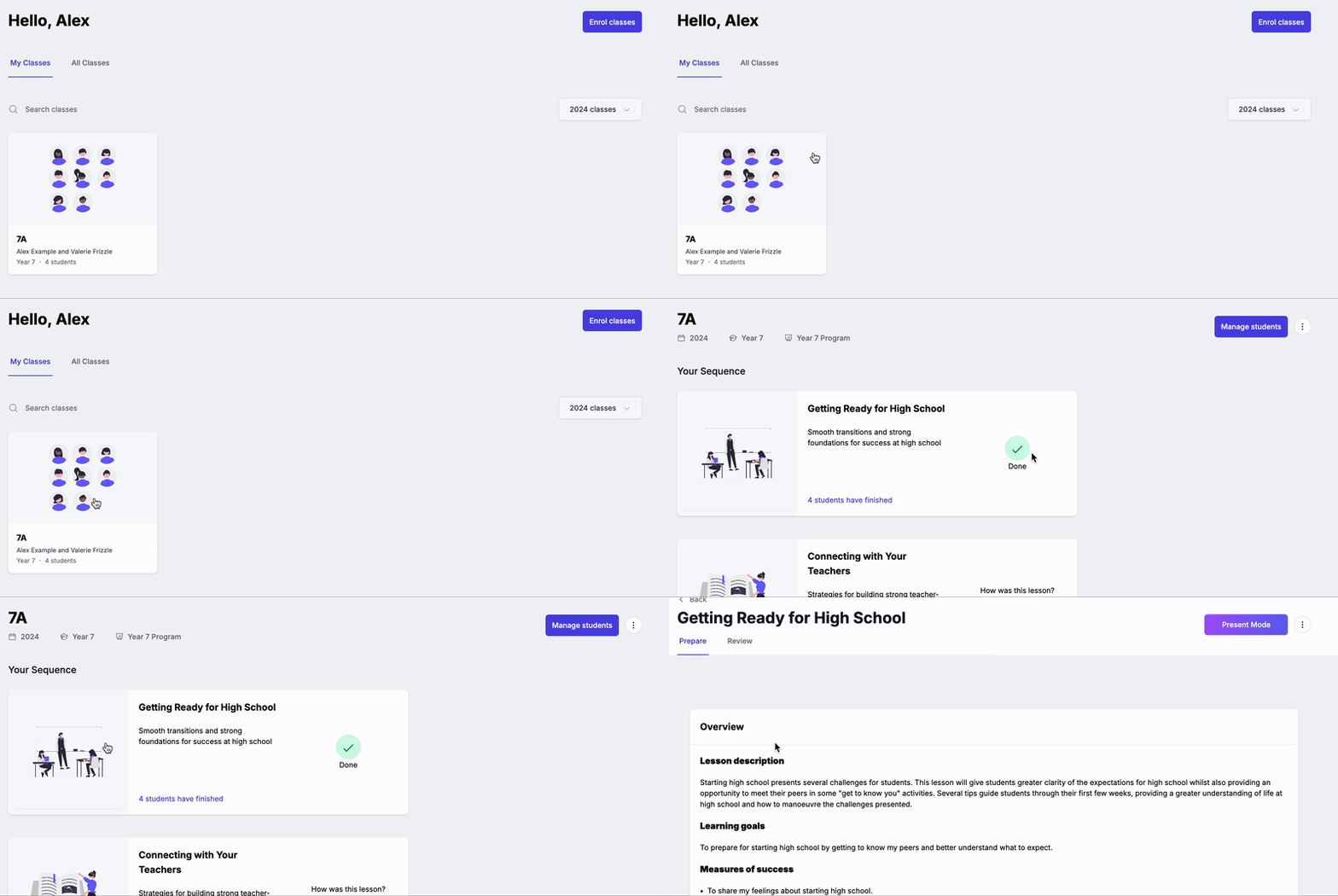
- Click the ⋮ menu next to Present button in the top right hand side of your screen.
- Select Present Mode (Device Free)

How to use Wellio's interactive tools in Device-Free Mode:
When using Device-Free Mode, the students will still view all the videos embedded in the lesson as part of the teacher's presentation.
Instead of the students responding to the questions from their own devices, you can use these questions as a prompt for classroom discussion or polling in the room! Make use of your whiteboard or any other tools you have available.
After classroom discussion, toggle "Responses" on to reveal the example answers or average poll data from schools across Australia and UK to further the conversation.
Read through this guide to learn how to track student progress when presenting the lesson in device free mode.