
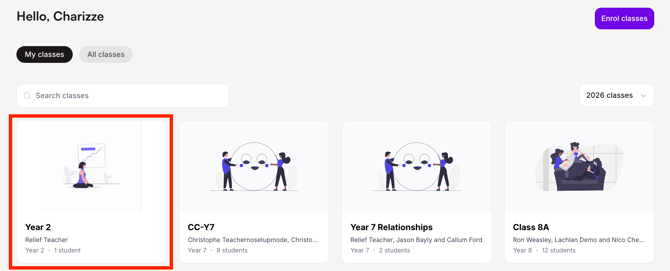
- Navigate to the Classes tab:

- Select the class you are teaching:
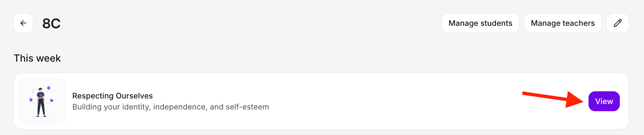
- Open the lesson you want to deliver with your students:
- Click the Present button at the top of the page:
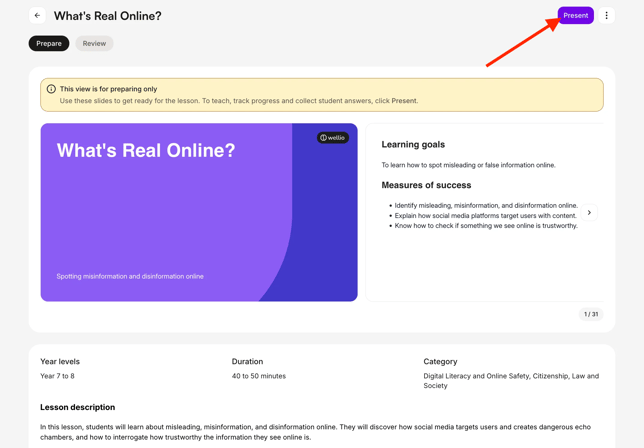
⚠️ Always teach from Present, not the slide preview on the Prepare tab. The preview is only for getting ready – student answers aren't saved and class progress isn't tracked there. You can also hover over a slide in the preview and click Present.
- Optional: Click Send sign-in links to prompt students to sign in via email. You can also use Manage students to add any missing students to the class, if need be.
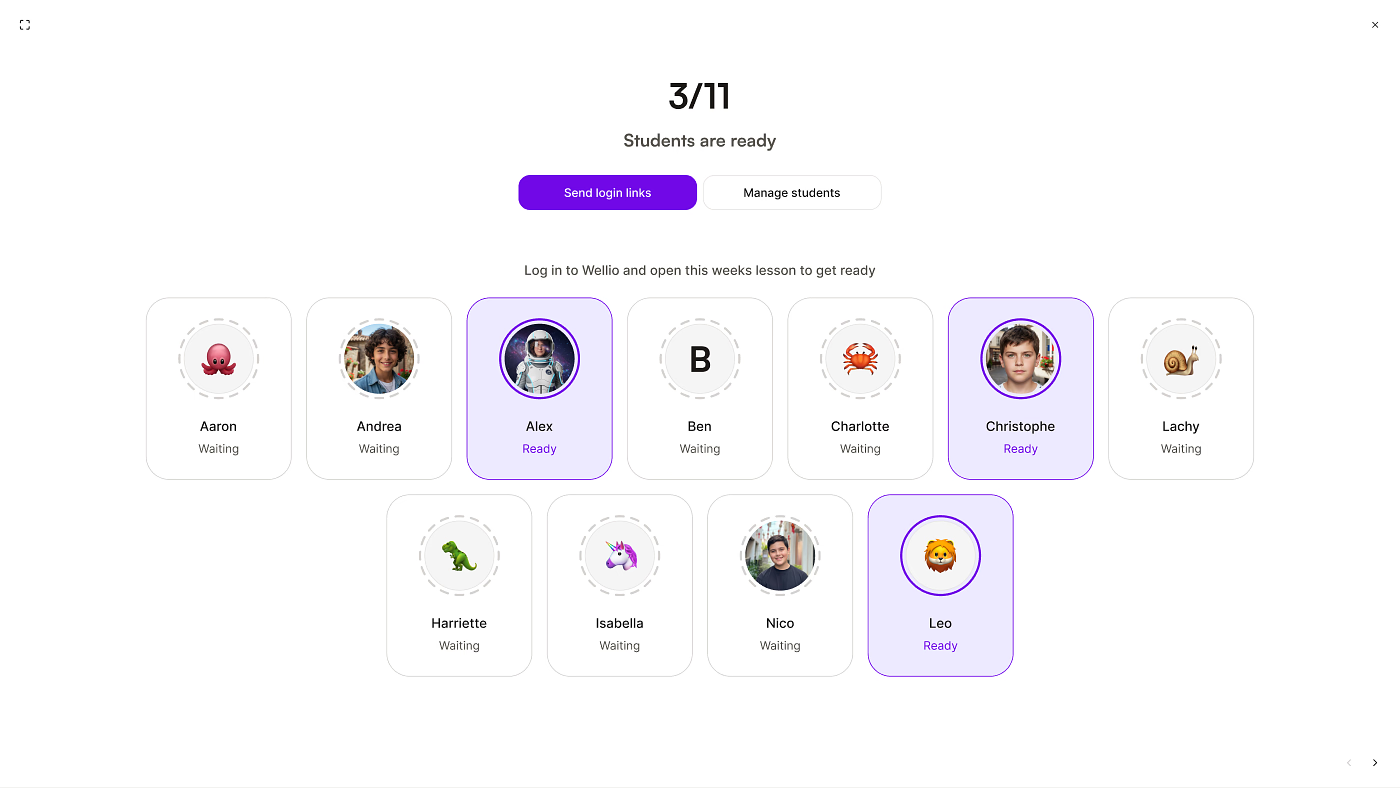
As soon as a student opens this week's lesson on their own device (either via the login link, or by logging in any other way), their card lights up and flips to Ready - no need to refresh the page. - When you're ready to get underway with the lesson, click to the next slide using the mouse or the right-arrow key.
Don't see the Present button?
You've probably opened the lesson from the Lesson Library. Lessons in the Library are previews only, so there's no option to present.
- Click the Classes tab.
- Select your class.
- Open the lesson from This week or All lessons, then click Present.
You can present any lesson in your class this way. You don't need to teach the earlier lessons in the sequence first, so it's a good way to trial a single lesson.
How do I end the lesson?
When you reach the end of the lesson, click the X in the top-right corner of the screen to exit the presentation. There's no separate "End lesson" button.
- Exiting takes you to the lesson's Review tab, where you can review your students' progress.
- If you presented in device-free mode, it takes you back to the lesson's Prepare page.
- The presentation opens in its own browser tab, so you can also just close that tab.
You don't need to do anything else to mark the lesson as delivered. Wellio tracks this automatically based on active lesson time. See Why hasn't my lesson been marked as delivered?
What if I don't see the readiness board?
If you're not seeing this, it may be because:
-
The lesson has no interactive content
-
You're presenting the lesson in device-free mode
- You're at a device-free school
- You're looking at the slide preview on the Prepare tab. The readiness board only shows after you click Present.
Still not showing? See Why do I see a Student Readiness screen when I click "Present" lesson? or Delivering a lesson in Device-Free Mode.